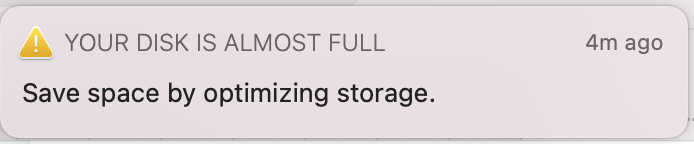
If you’re running a Mac with limited internal disk you’ll encounter this message:
There’s a great article on how to manually delete Time Machine Snapshots
Key steps:
- List available local snapshots “sudo tmutil listlocalsnapshots /Volumes/Macintosh HD”
- Delete each snapshot “sudo tmutil deletelocalsnapshots 2020-11-01-002004”
I’ve had to do this a lot when upgrading to a new beta release.